Pokemon pocket codes: There’s nothing quite like the little thrill of finding a gift code, is there? That feeling of getting a free pack, some currency, or a fun cosmetic for Pokémon TCG Pocket is just so lovely. It’s like finding a little treasure.
But let’s be honest, hunting for them can be a bit of a bother. You’re never sure which ones are real, which have expired, and where to even put them in. We get it, and we’re here to make it all simple and stress-free.
We’ve created this guide to be your one-stop place for all pokemon pocket codes. We’ll keep this page updated with all the working codes, show you exactly how to redeem them, and explain what to do if one isn’t working.
Be sure to bookmark this page and check back often!
Table of Contents
Quick Answer: Active Pokémon TCG Pocket Codes (November 2025)
Here are the key takeaways for getting your free gifts right now.
- Current Status: As of early November 2025, there are no active gift codes available.
- How to Redeem: Codes cannot be redeemed in the app. You must use the official Pokémon TCG Pocket gift redemption website.
- What You Need: You will need your 10-digit Support ID (found in the app’s settings menu) and the gift code.
- Our Promise: We check for new codes daily. The moment a new code drops, we’ll add it here!
All Working Pokemon Pocket Codes
As of November 10, 2025, there are currently no active or working codes for Pokémon TCG Pocket.
The developers tend to release new codes during special events, collaborations, or game milestones. When they do, we will post them right here!
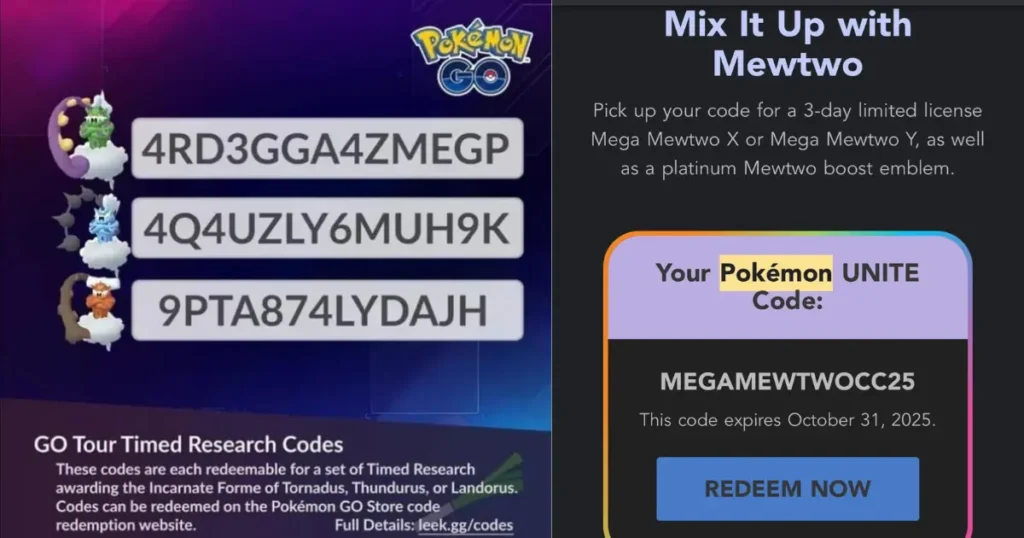
Expired Gift Codes
It’s always a little sad to see these go, but we list expired codes so you can check if a code you found elsewhere is from an older batch.
| Code | Reward | Status |
33V33S5MM3R | 24x Pack Hourglass | Expired (August 31, 2025) |
S5N4NDM00N | 24x Pack Hourglass & 500 Trade Tokens | Expired (May 26, 2025) |
How to Redeem Your Pokemon TCG Pocket Code
Redeeming your codes is wonderfully simple, but it’s a little hidden if you don’t know where to look. You can’t do it from within the game app itself.
Here’s a gentle, step-by-step walk-through.
Step 1: Find Your Support ID
First, you need to find your unique Support ID.
- Open your Pokémon TCG Pocket app.
- On the home screen, tap the three-line menu icon (it looks like a little hamburger menu) in the top-right corner.
- Scroll all the way down to the bottom of this menu.
- Your 10-digit Support ID will be listed there. You can tap it to copy it, or just write it down.
Step 2: Use the Official Redemption Website
Once you have your ID, you’re ready to claim your gift!
- Open your phone or computer’s web browser and go to the official redemption page: https://gift.pokemontcgpocket.com/.
- In the first box, enter your 10-digit Support ID.
- In the second box, carefully type or paste the gift code.
- Tap the “Send” button.
If the code is active and correct, you’ll see a success message. The items will be sent straight to your in-game “Gifts” inbox, which you can find at the top-right of your game’s home screen.
Why Isn’t My Gift Code Working?
It’s a frustrating feeling when a code doesn’t work, but it’s usually for a simple reason. Here are the most common ones.
- The Code Has Expired: This is the most common reason. Many tcg pocket codes are only active for a short time, sometimes just a few days.
- There’s a Typo: The codes are very specific. Make sure you’ve entered it exactly as written. The official site notes that gift codes do not use the letters O, I, Z, A, E, or U, which can help avoid confusion.
- You Already Used It: Most codes can only be redeemed once per account. You might have claimed it already and forgotten (we’ve all done it!).
- Redemption Limit Reached: Very rarely, a code might have a maximum number of total redemptions, and you just missed it.
Where to Find New Pokemon TCG Free Codes
If you want to join the hunt, the best places to find new, official codes are directly from the source. We check these all the time:
- Official Pokémon TCG Pocket Social Media: Keep an eye on their official X (formerly Twitter) and other social channels.
- In-Game Announcements: The developers will often post news and gift codes directly in the app’s “News” section.
- Right Here! Of course, the most stress-free way is to let us do the work. Just check this page, and we’ll have all the rewards waiting for you.
We hope this guide helps you get all the wonderful freebies you deserve! Now that you’re ready to build your collection, why not explore our other Pokemon TCG guides for more tips and gentle advice?
About the Author